This Amberial Dreams guide helps beginners improve without turning every level into random retries. The goal is simple. You will learn to control a sphere that cannot jump. You will also read traps, moons and the editor with more confidence.
Key points
- Amberial Dreams launched on Steam on December 5, 2023.
- The game is developed by Lumorama and published by Twin Sails Interactive.
- Amberial Dreams is a 2D physics-based precision platformer with no standard jump.
- Steam lists single-player, achievements, Steam Cloud, leaderboards and a level editor.
Amberial Dreams is a physics-based precision platformer. It is built around two directions, momentum and rebounds. For more French gaming coverage, follow jeu.video feature articles, gaming news and latest posts.
Useful sources: the Steam listing confirms the release, Steam features and editor. The Twin Sails page explains the controls, difficulty and official images.

Amberial Dreams Key Takeaways
- You do not jump: every height gain comes from a slope, rebound or object.
- Speed is prepared before danger, not at the last moment.
- Moons can wait until after a first clear.
- A hard level can be split into start, middle and exit.
- The editor is a training tool, not only a creation mode.
Amberial Dreams Guide: Set Your Comfort
The first mistake is to play it like a classic platformer. Your character rolls. You mainly control acceleration, braking and entry angle.
On PC, try a controller if you have one. Steam lists full controller support. Keyboard works, but it often encourages inputs that are too sharp.
On Steam Deck, Steam marks the game as playable. It also notes small text and some keyboard or mouse icons. Test a few levels before changing controls.
- Launch a simple campaign level.
- Roll without chasing moons.
- Tap left and right briefly.
- Then hold directions for longer.
- Keep the setup that lets you stop cleanly on a small platform.
Read a Route Before Speeding Up
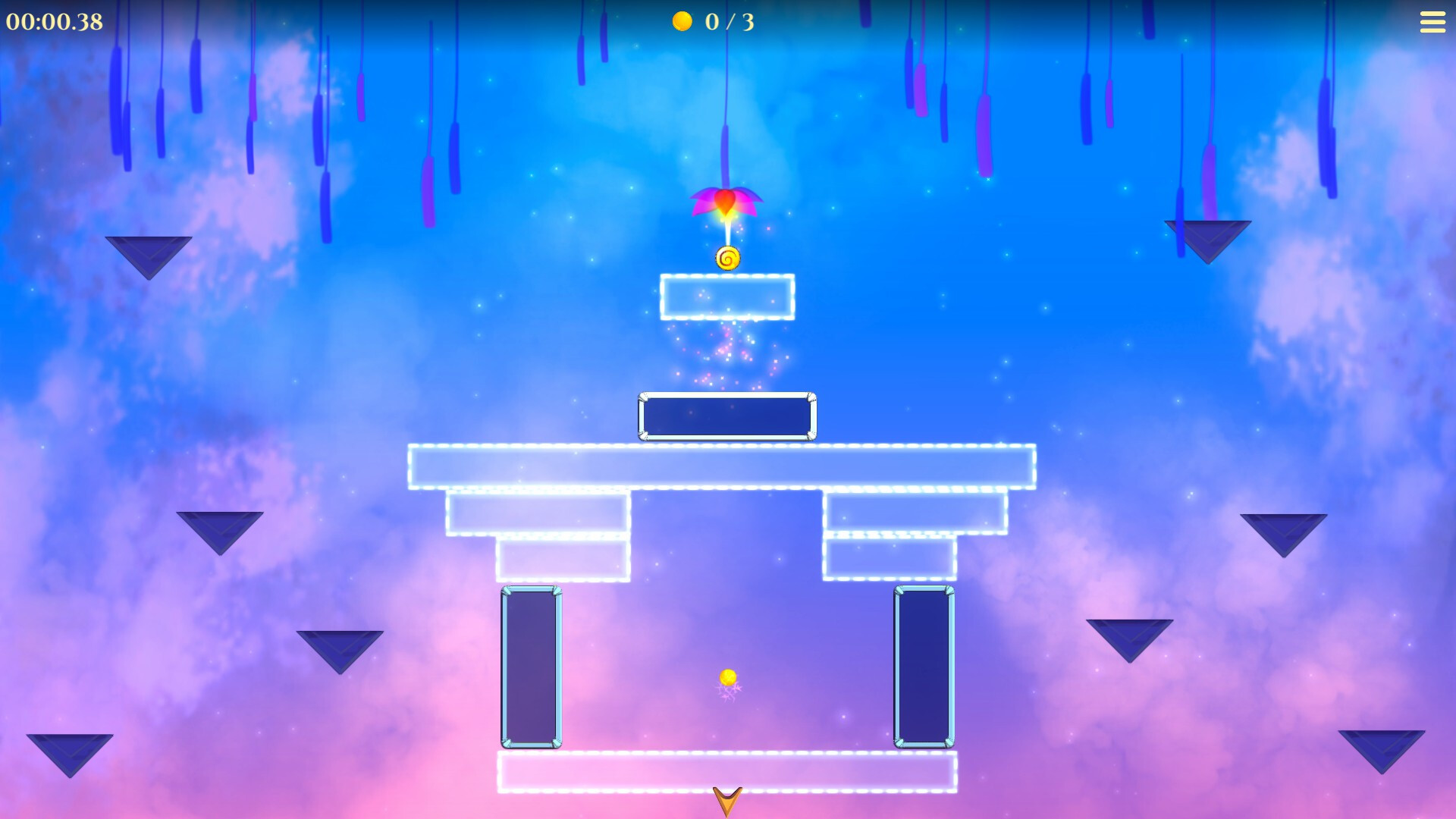
In Amberial Dreams, the level moves you as much as your inputs do. Watch the slope, rebound and space after impact. This prevents many avoidable deaths.
When a level blocks you, make a slow scouting run. Winning is not the goal yet. Find the object that gives the main energy.
A good angle beats raw speed. Pick a stable platform as a marker. Reach it cleanly. Then add the next segment.
| Situation | What to Watch | Best Action |
|---|---|---|
| Short slope | Exit and gap | Enter gently, then push on exit |
| Vertical rebound | Ceiling and spikes | Release before impact |
| Moving platform | Full cycle | Wait one cycle before leaving |
| Spike zone | Widest corridor | Aim center, not the moon |
Amberial Dreams Guide: Collect Moons
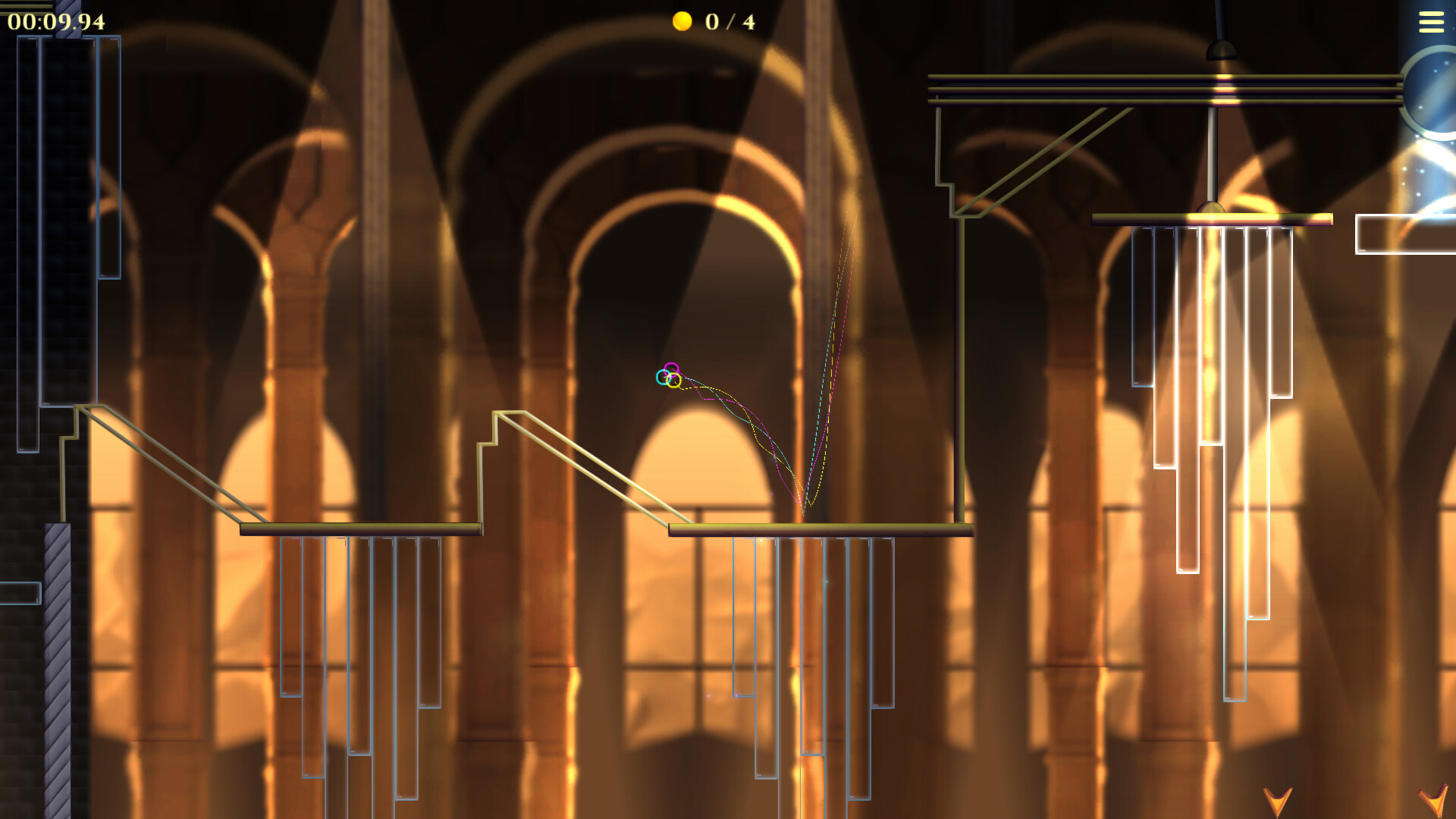
Moons quickly draw the eye. Do not chase every one on the first visit. In this Amberial Dreams guide, the rule is simple: exit first, collection later.
Clear the level once. Come back for easy moons. Keep dangerous routes for a third attempt.
Before a risky moon, ask one question. Can you return to the main route after grabbing it? If not, leave it for later.
- Clear the level at least once.
- Mark moons on the natural route.
- Replay sections with a visible safe exit.
- Ignore blind rebounds early on.
- Return when the approach feels stable.
Survive Traps Without Panicking
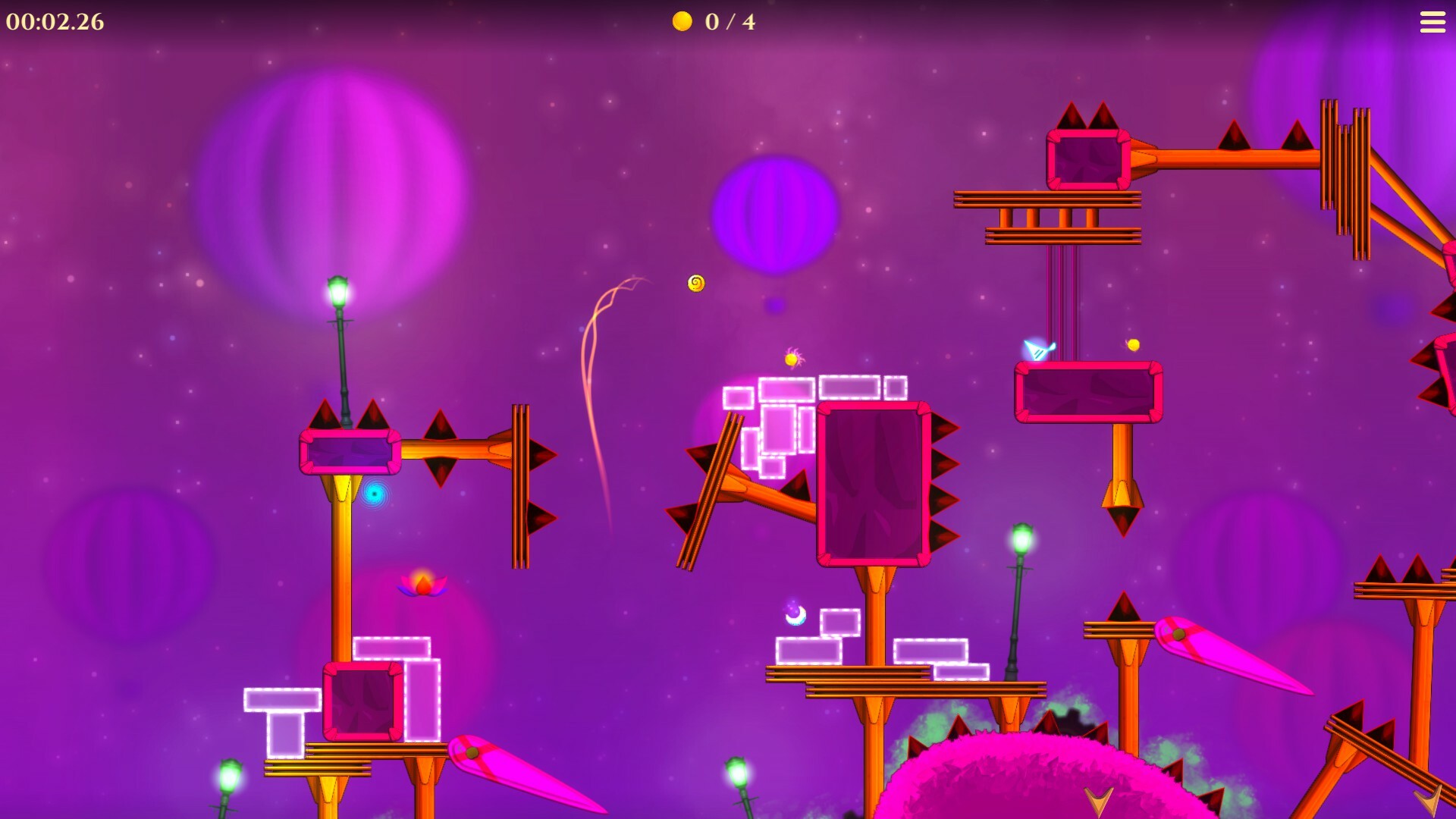
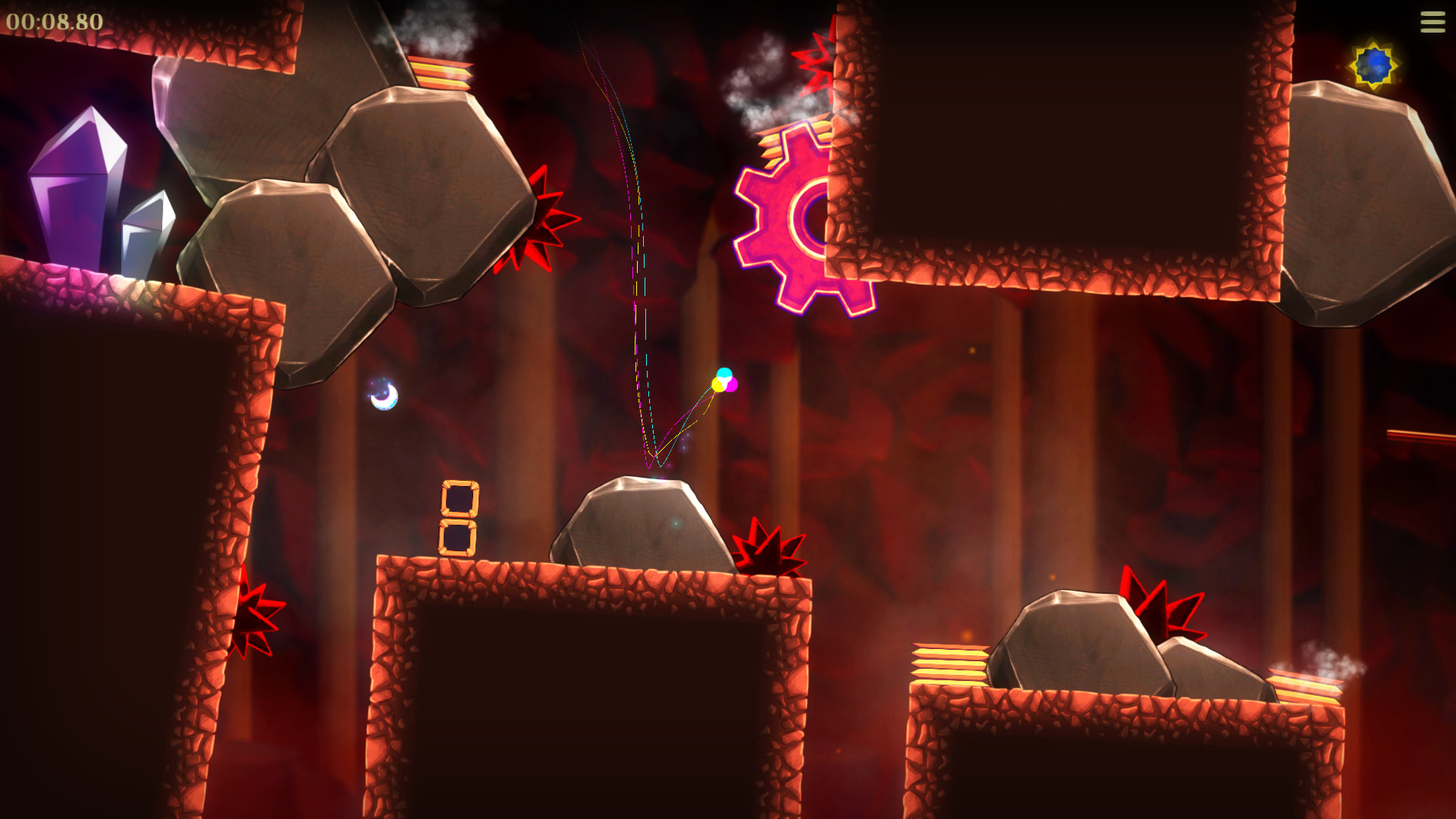
Red traps, gears and moving objects punish late corrections. The faster you arrive, the less you can save the line.
Slow down before danger. Also look for dead spaces. These are small areas without spikes, gears or moving platforms.
A dead space gives you a pause. Rest there for half a second. Then restart with the right angle. Spike sequences should be read like rhythm patterns.

Use Rebounds, Portals and Objects
Amberial Dreams adds portals, bubbles and special surfaces. They can feel unpredictable. Each one actually changes your speed or position in a clear way.
Test every new object two or three times. Enter slowly, then faster. Check whether it launches, transports or slows you.
Portals reward calm inputs. Entering too fast often creates an uncontrolled exit. Release just before contact, then accelerate after leaving.

Amberial Dreams Guide: Beat Hard Levels
Hard levels are rarely solved with one perfect attempt. You need to shrink the problem. This Amberial Dreams guide uses a three-pass method.
First pass: map the room. Move slowly and treat deaths as information. Second pass: stabilize segments. Third pass: run the complete route.
- Split the level into start, middle and exit.
- Practice the start until it feels repeatable.
- Ignore moons during practice.
- Find a safe space before the final section.
- Start full attempts when segments become consistent.
- Add moons after your first clear.
When to Use the Workshop and Editor
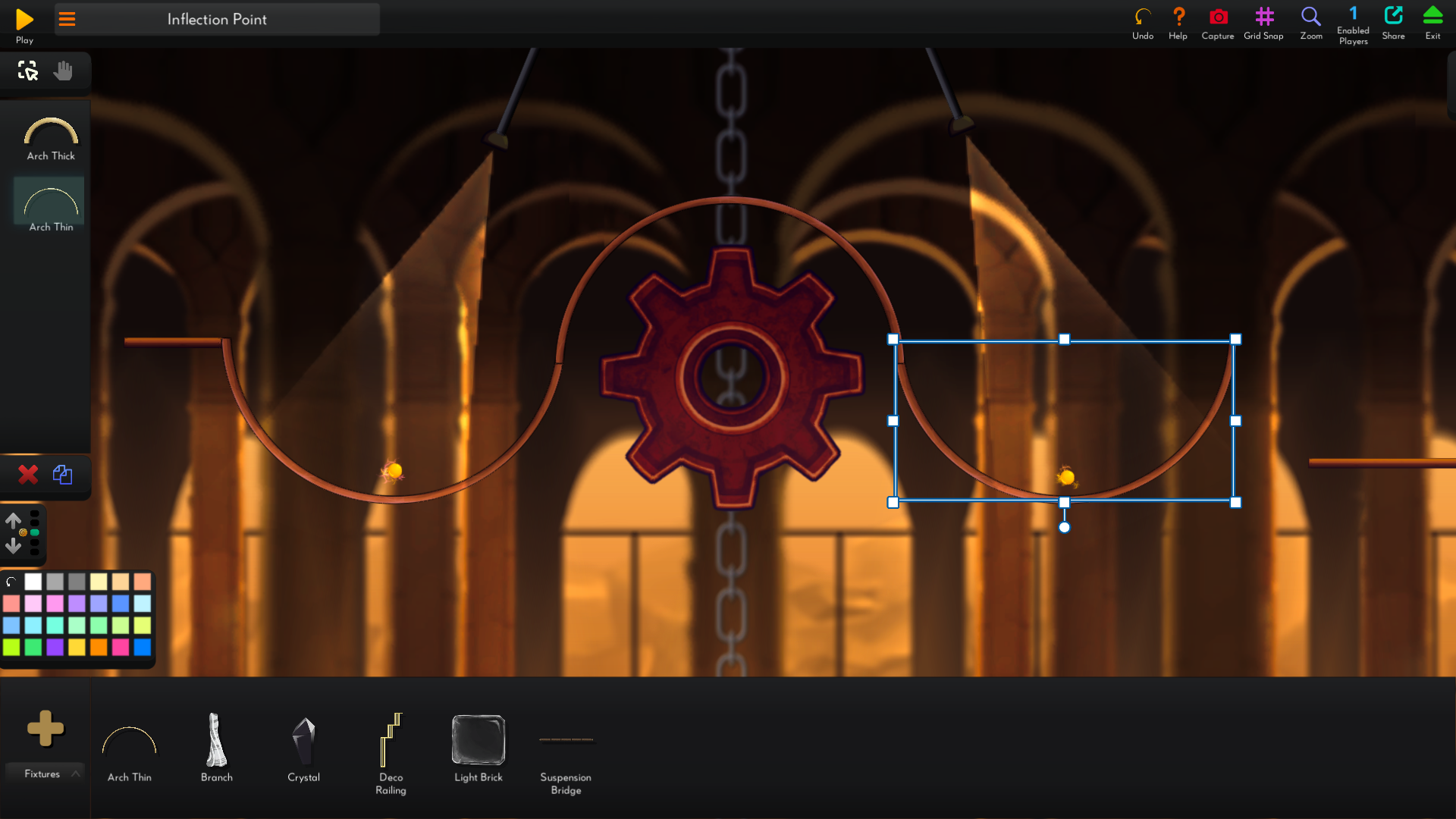
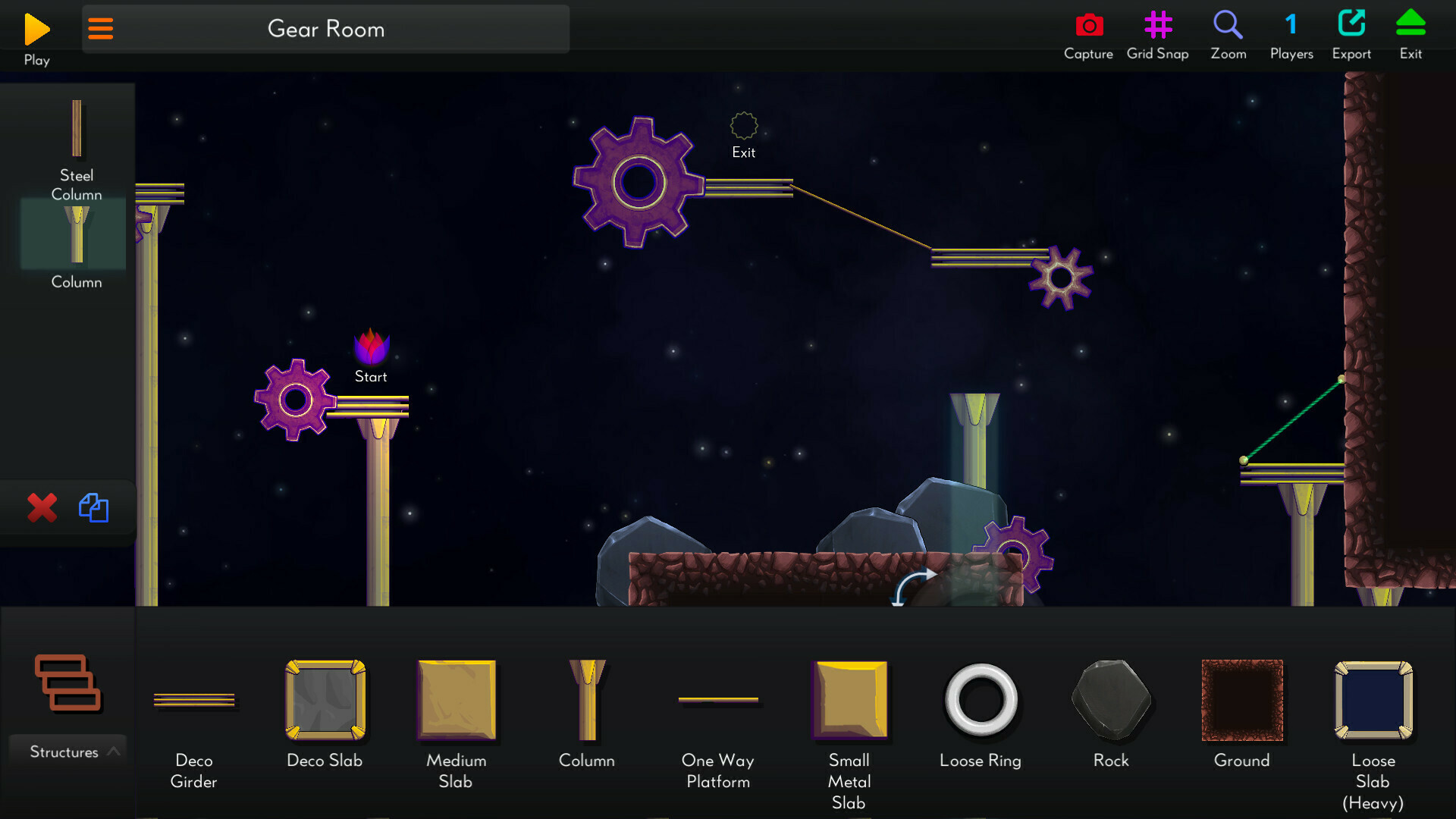
The editor is one of Amberial Dreams’ best features. It can also distract you. Twin Sails says you can modify completed levels or create your own stages.
Try the editor after a few campaign levels. Pick one mechanic that confuses you. Build a small room with one slope, one obstacle, one moon and one exit.
Steam mentions a third-party mod.io account for some sharing features. Do not begin with a huge level. Build short, test it, then check whether the main route is readable.
| Goal | Simple Build | Mistake to Avoid |
|---|---|---|
| Learn a slope | One ramp, platform and exit | Adding too many traps |
| Practice a portal | Two portals and a wide landing | Exiting above danger |
| Create a challenge | One central trap and optional moon | Making the route unclear |
Beginner Progression Plan
Do not jump between every mode too soon. The campaign should remain your base. It introduces mechanics in a more natural order.
Your first goal is consistency, not 100 percent completion. If you clear three levels with less panic, you are improving.
- Session 1: clear levels without chasing every moon.
- Session 2: return for easy moons.
- Session 3: try one harder level.
- Session 4: open the editor to recreate one mechanic.
- Session 5: test community creations after learning the basics.
Amberial Dreams asks for controlled movement. You let the world carry the sphere. But you decide where it should land, how fast and with how much margin.